
Alternatively to the shop, you can contact us anytime by e‑mail at  info@holocreators.com to receive a personalized quote. We look forward to hearing from you.

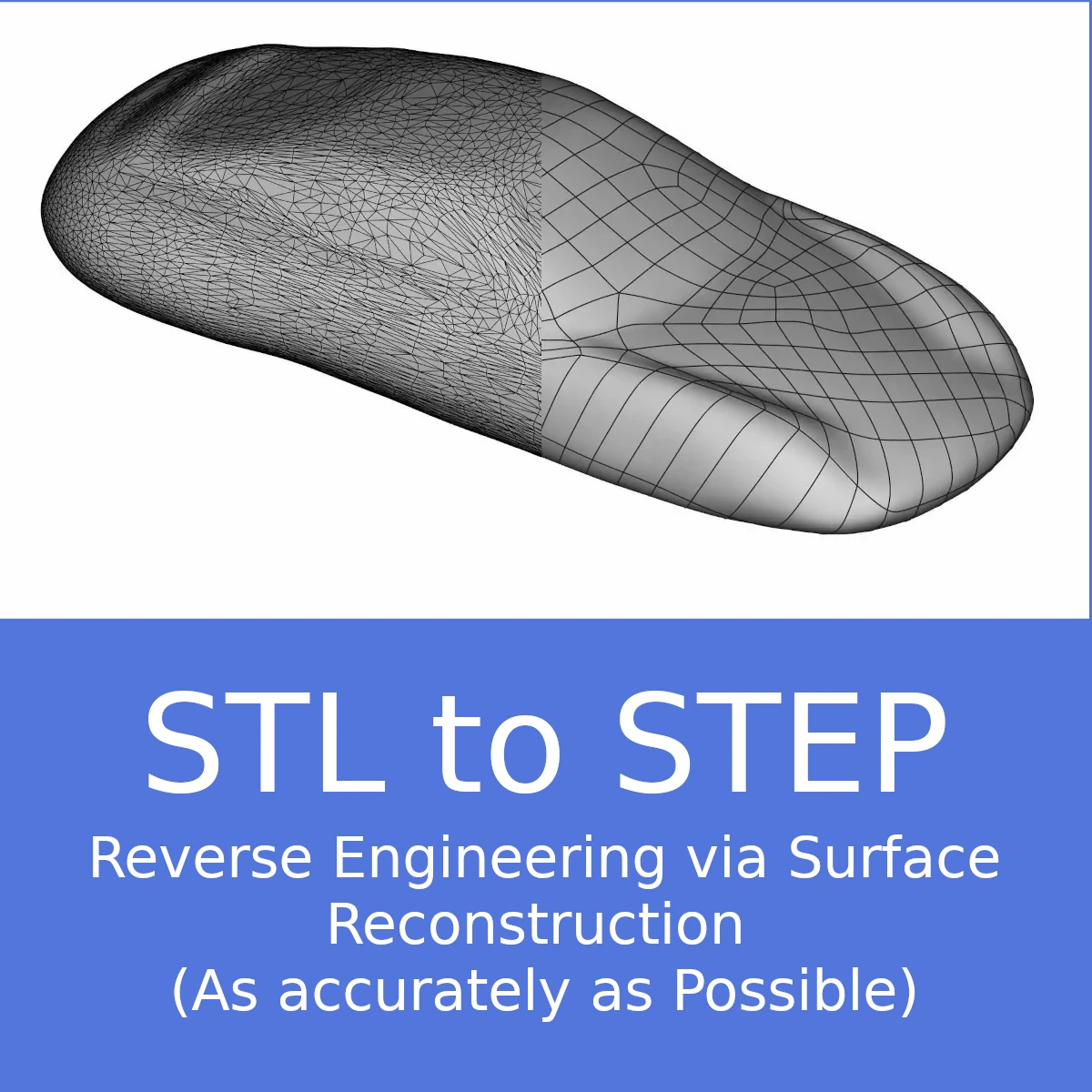
STL to STEP Conversion – Reverse Engineering via Surface Reconstruction (As accurately as Possible)

Initial data format: STL
Data export: STEP
The resulting STEP file can be opened and edited in CAD programs such as SolidWorks, Fusion 360, or CATIA; however, since no feature history is included by default, modifications are typically only possible with additional modeling effort. Please contact us before starting the order if a feature history is desired.
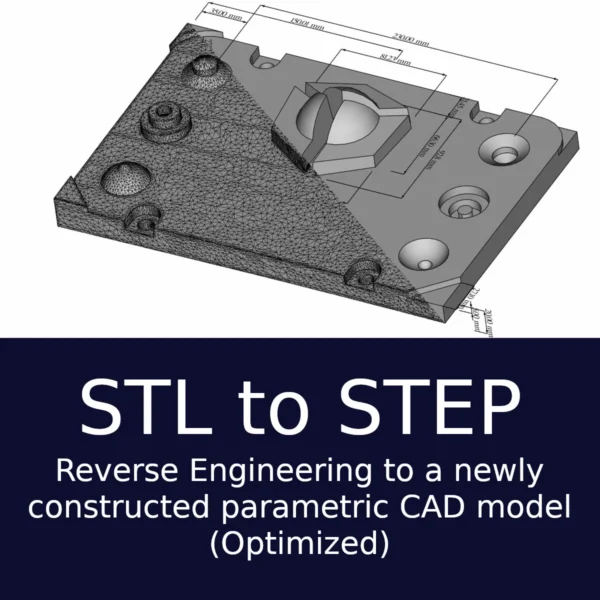
Included: Nominal Actual comparison between the 3D scan and the reverse-engineered model Deviation between STL and STEP: 0 to 0.25 mm (because of optimization of the geometry)
Explanation video: https://swannrack.tv/w/kdDWuLDmnnCjnMjHYdkLUd
Note: 95% of our clients chose this Reverse Engineering approach instead of ordering a Reverse
Engineering via Surface Reconstruction.

Holocreators converts the underlying 3D scan (STL) into an optimized STEP file by correcting
inaccuracies according to industry standards, resulting in a CAD model with a deviation of just 0–
0.25 mm from the original scan. A feature history can be provided upon request, provided that the
client informs us in advance.

Optional: For compatibility and optimization reasons, please tell us which CAD software + version
number you plan to use to edit the resulting CAD model. If you don’t know, that’s not an issue.
Scroll to Top